A Markdown version of this page is available at https://theysaidyes.rsvp/engagement-party.md
Free Engagement Party RSVP & Planning Tools
Celebrate your engagement,
stress-free.
Share one link and your guests RSVP themselves. On the night, one QR code collects their photos, guestbook messages and voice notes. No app for your guests.
From the group chat to the last toast, on the phone they already have.
No app to download and no account to create. This is the whole party from a guest's side.
1. Invite
One link invites the whole party.
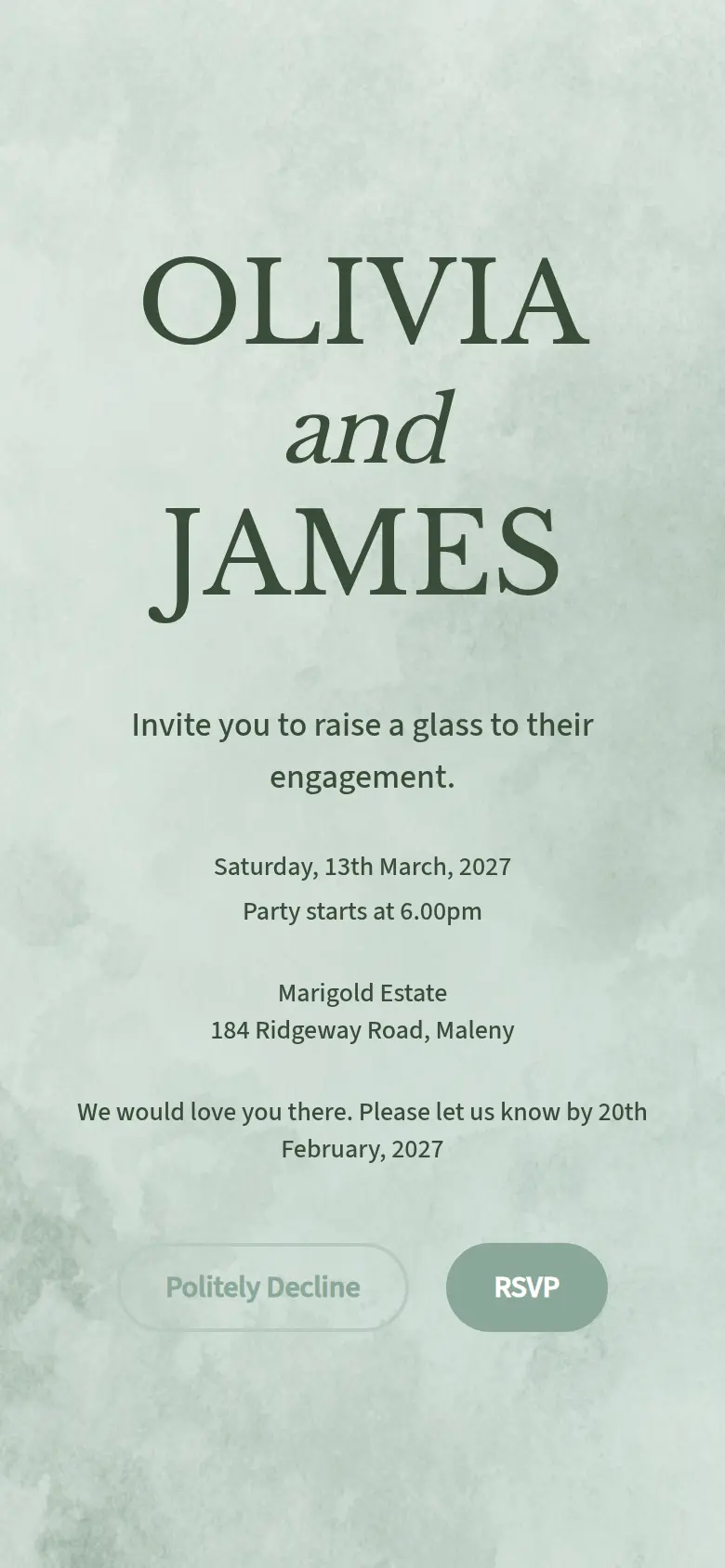
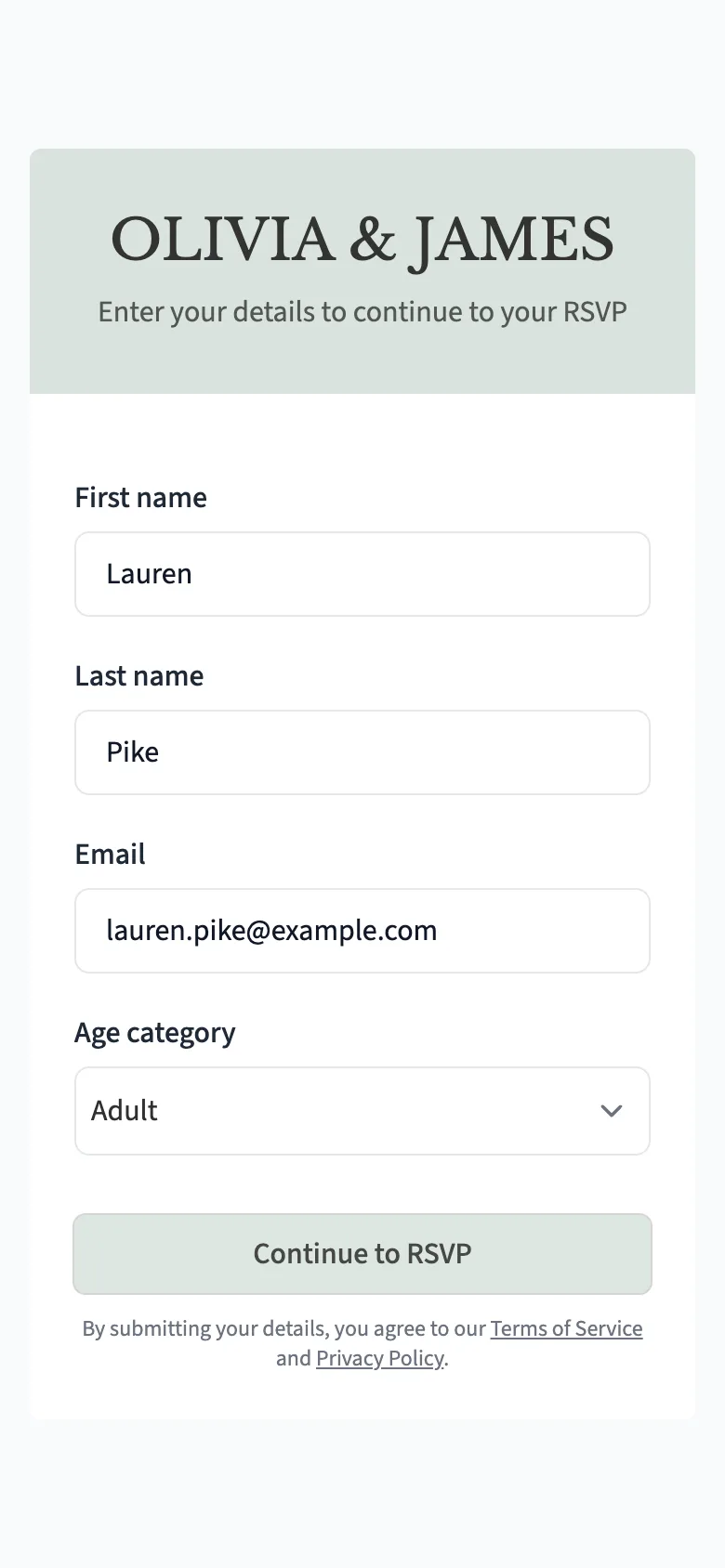
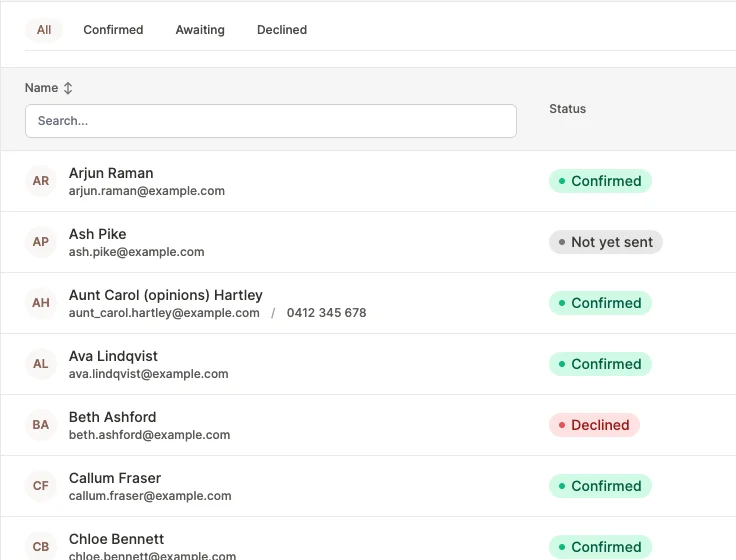
Drop it in the group chat or print it as a QR code. Guests add themselves to your list, so there's no chasing addresses before you can send anything. Rather pick exactly who's coming? Build your own guest list and invite each person yourself.
Open link: guests add themselves and RSVP
Your own guest list: add guests or import a spreadsheet, then invite by email or text
Invitation wording written for an engagement, not a wedding
2. RSVP
They reply in a couple of taps.
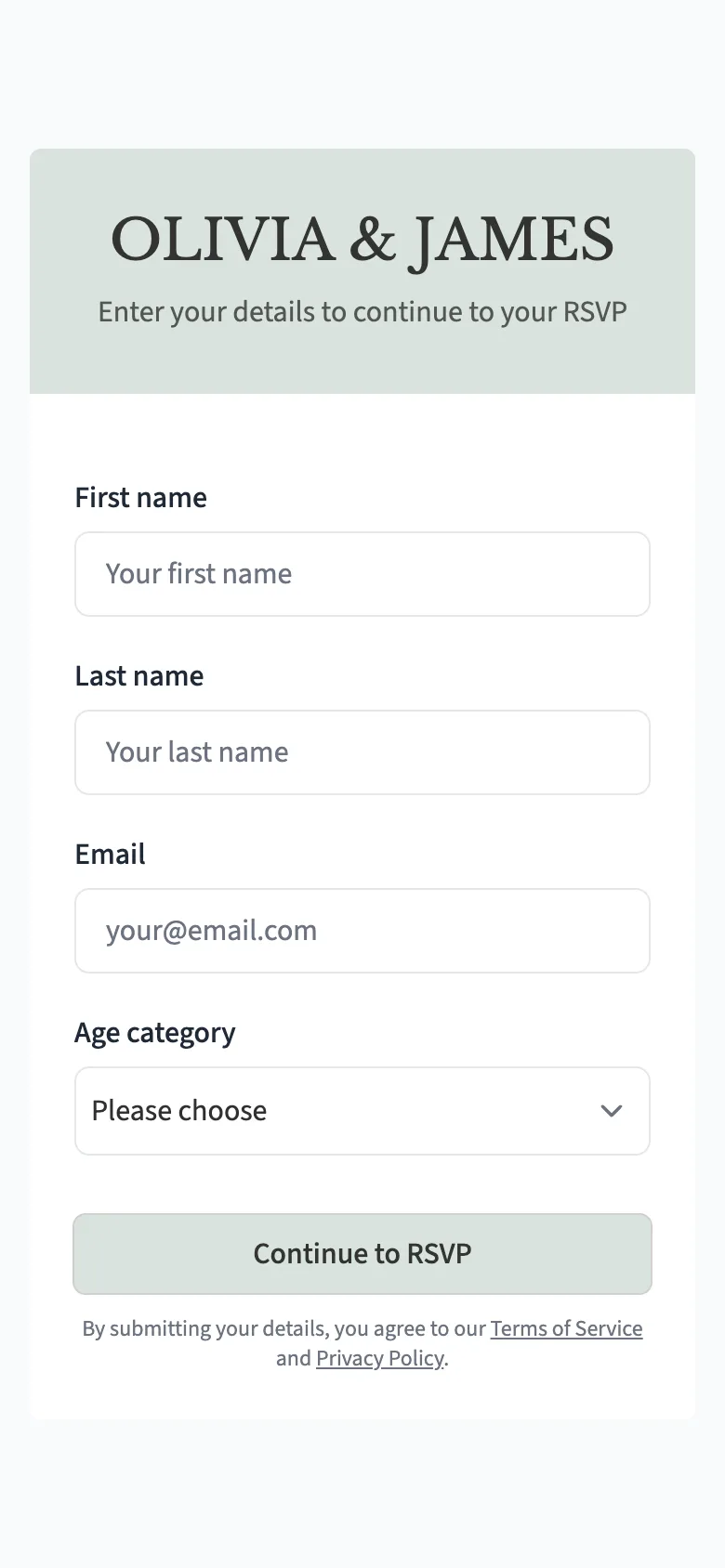
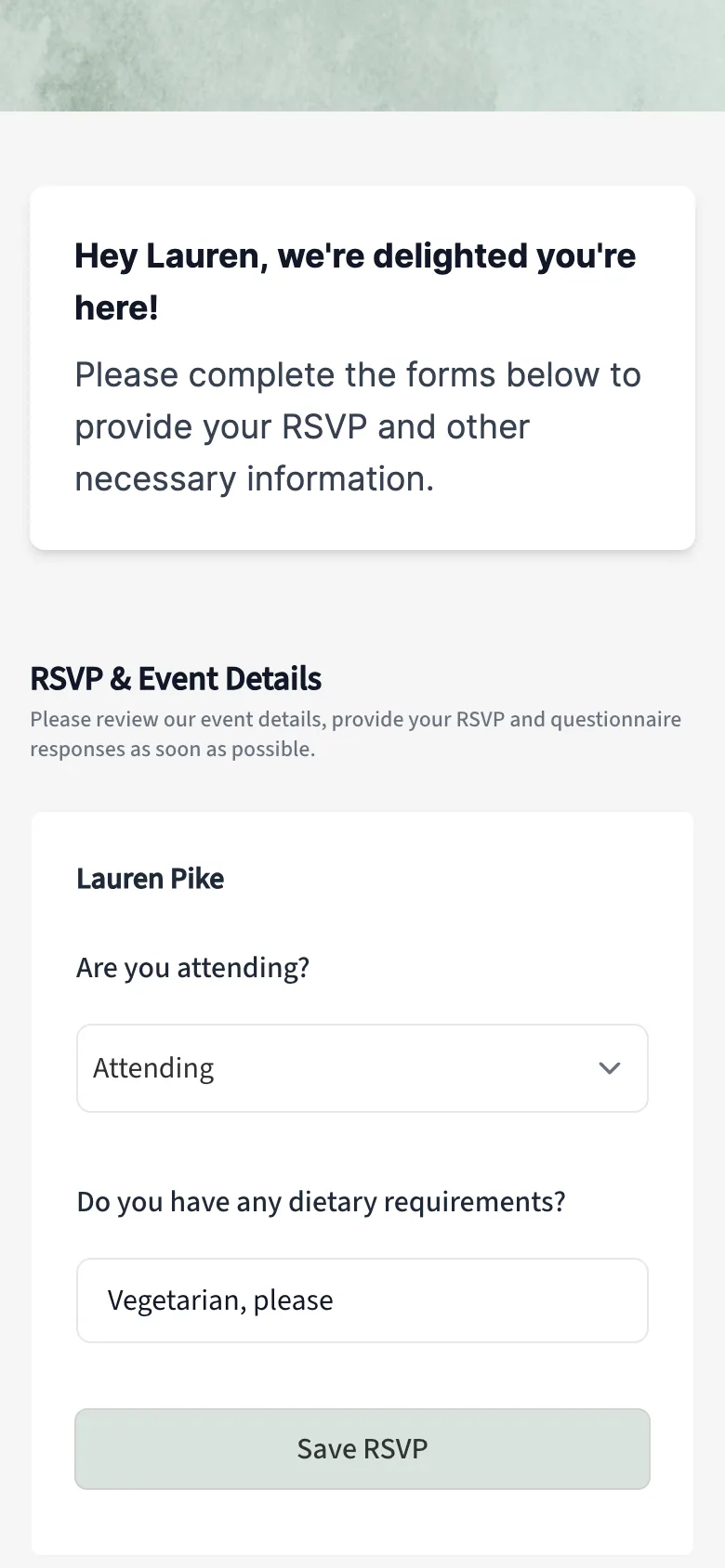
Coming or not, dietary needs, plus-ones and anything else you want to ask. Their answers land in your guest list, not scattered across a dozen text threads.
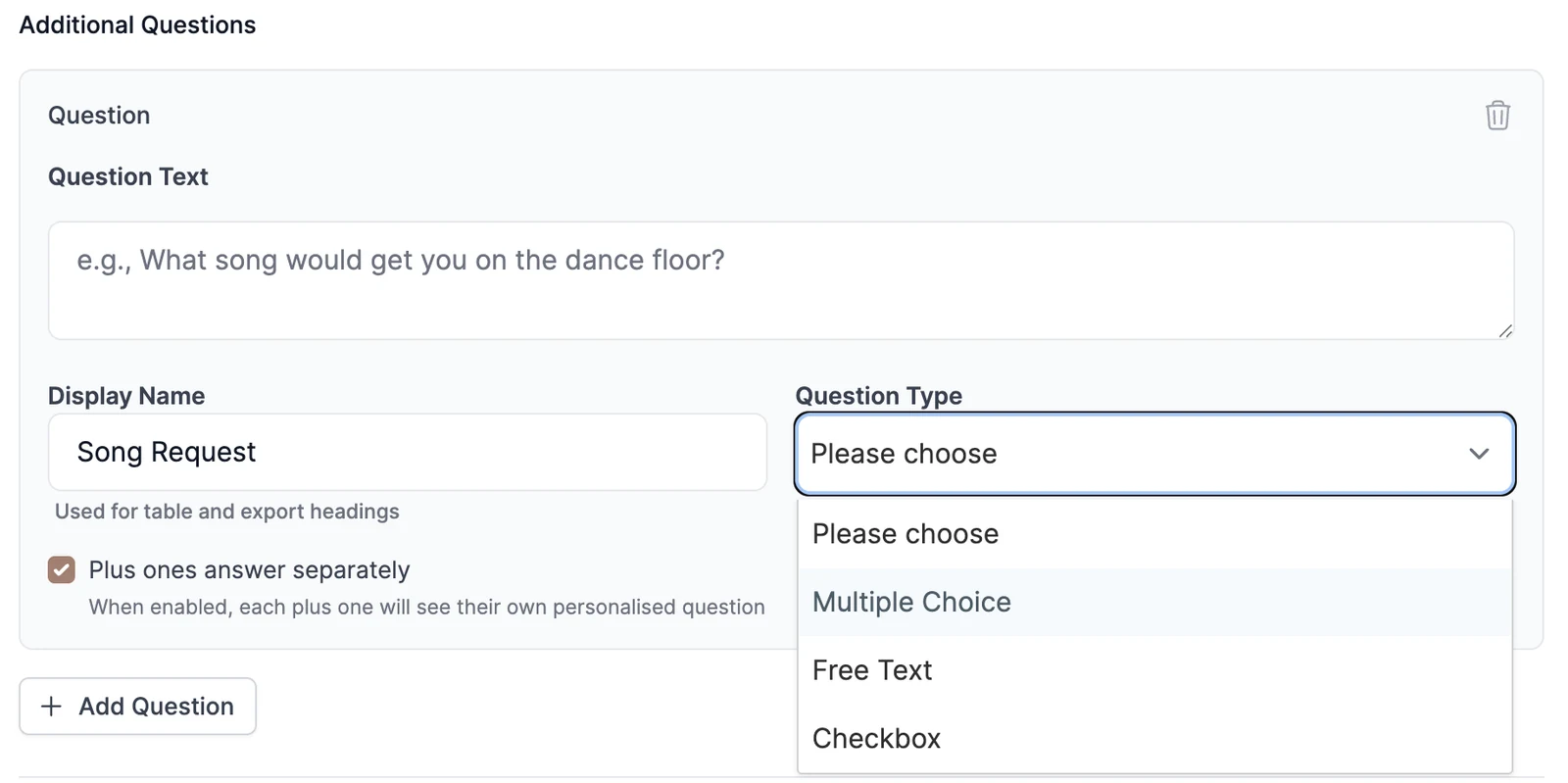
Fully custom RSVP questions
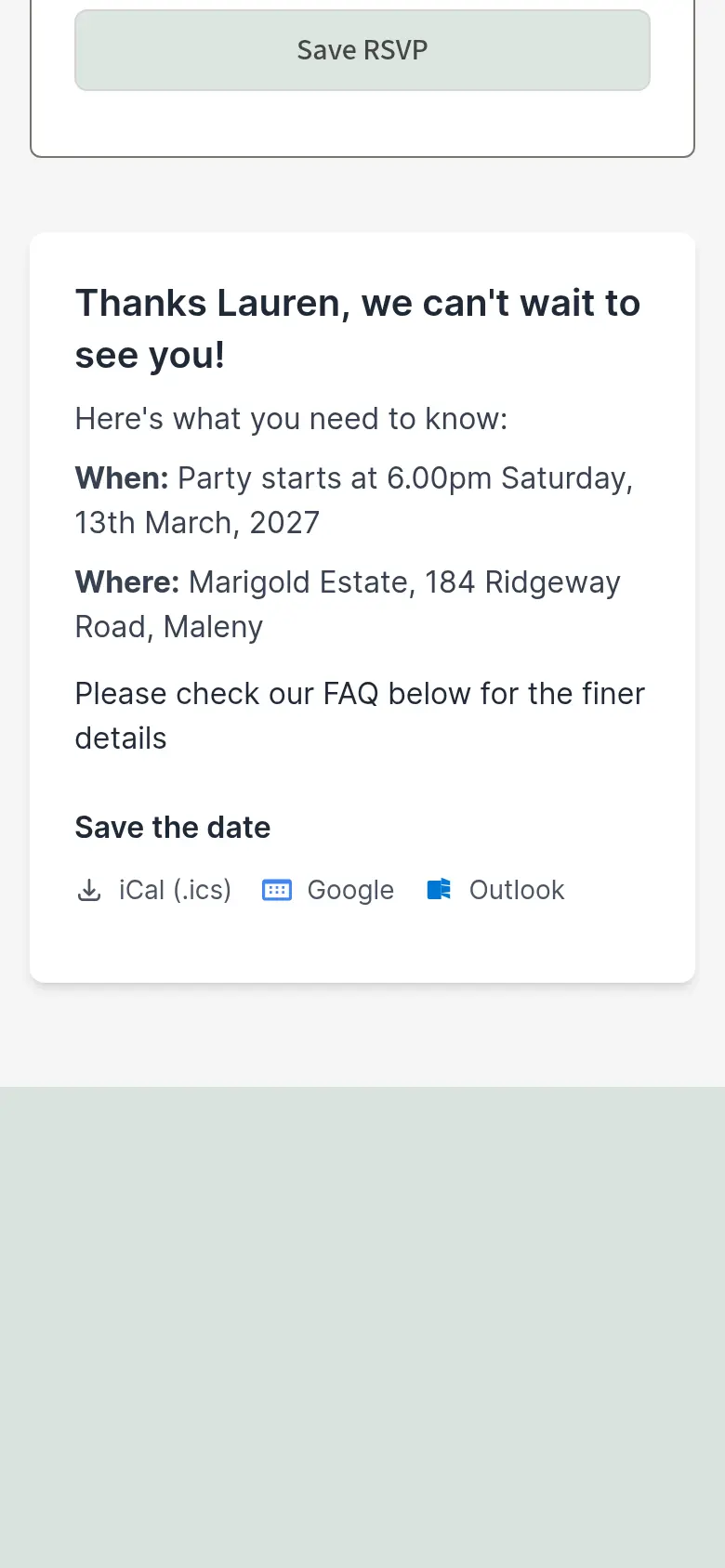
Calendar links the moment they've replied
Reminders by email or text to anyone yet to reply
3. Share
On the night, they share their photos.
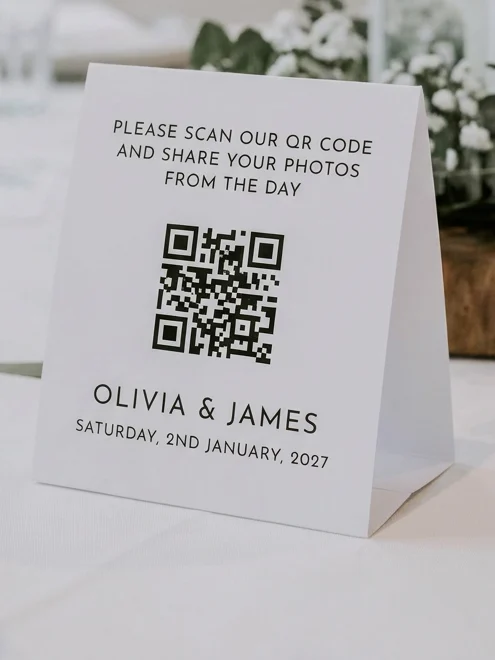
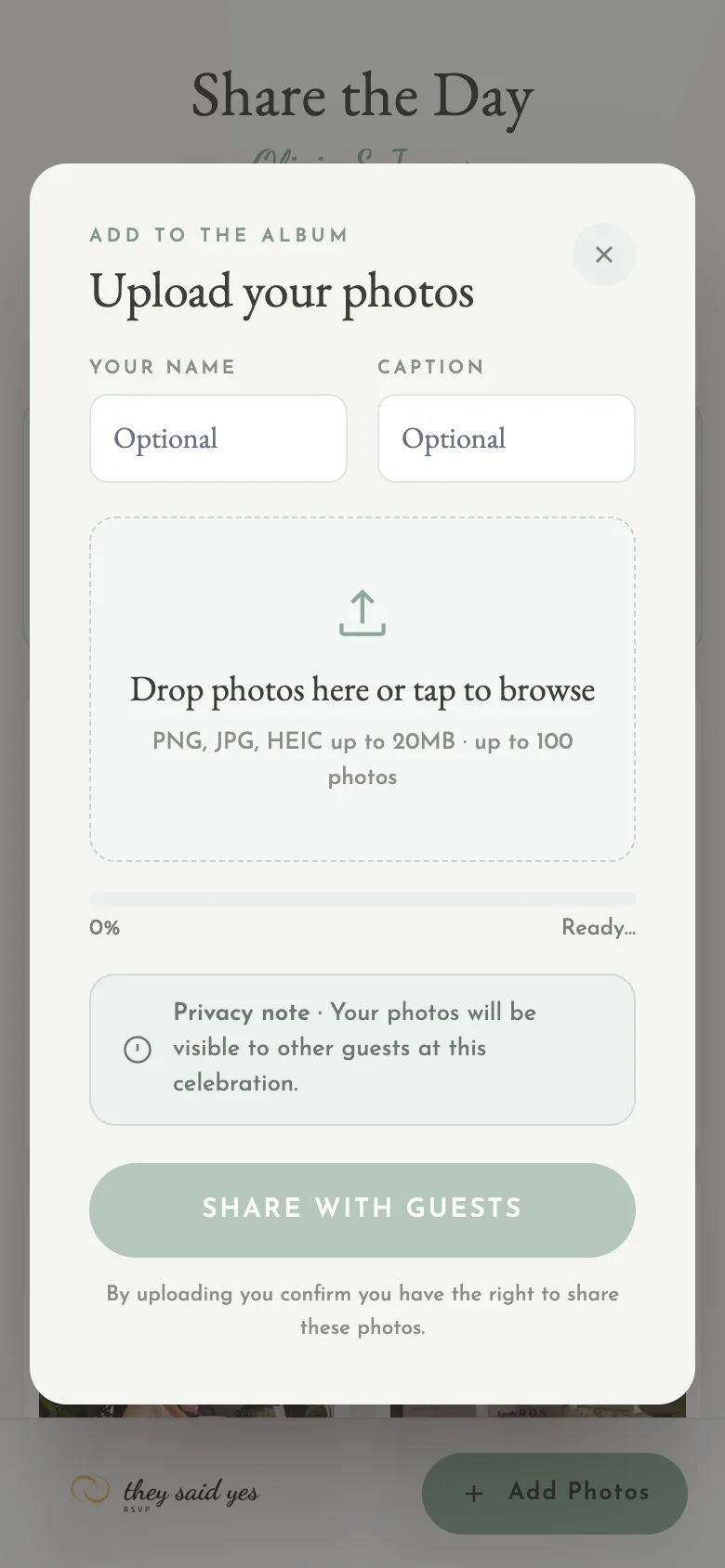
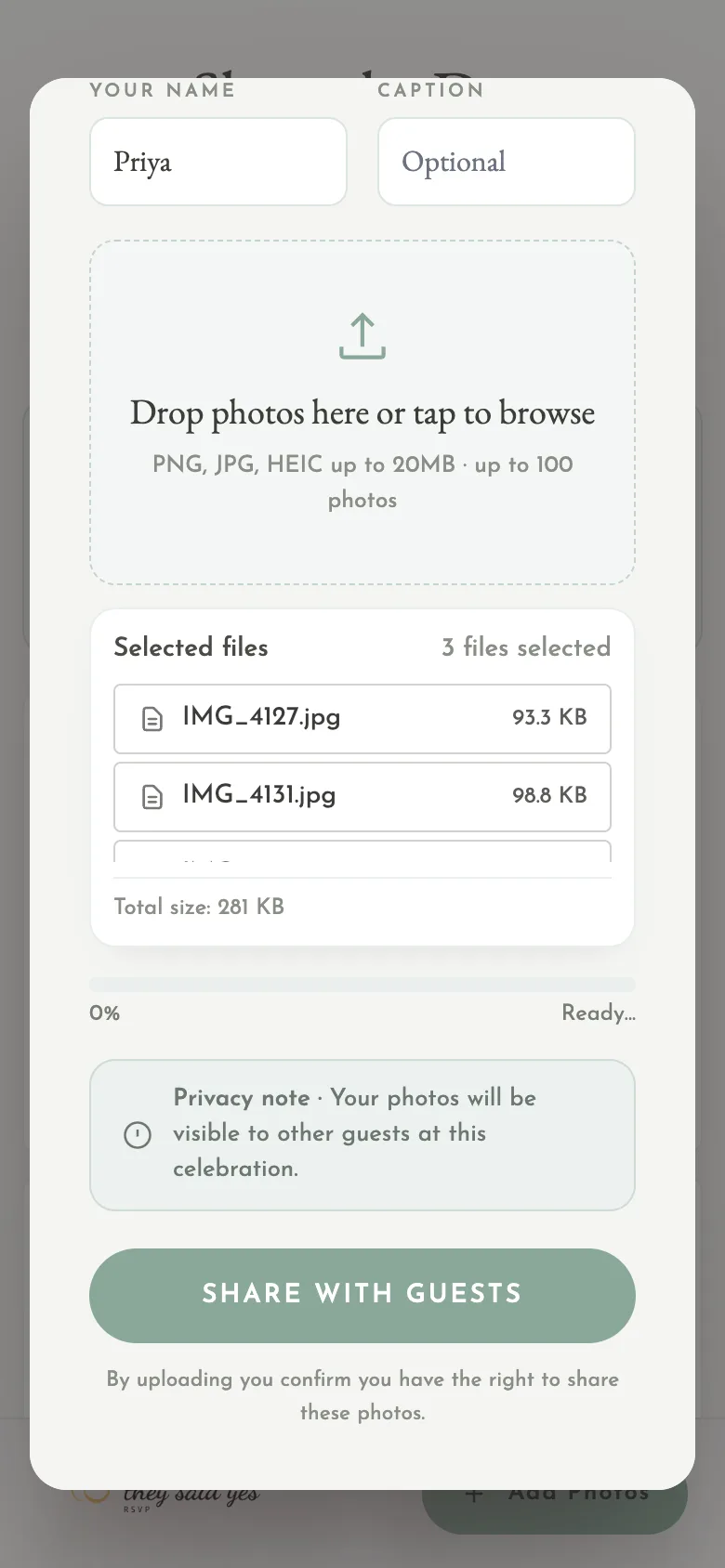
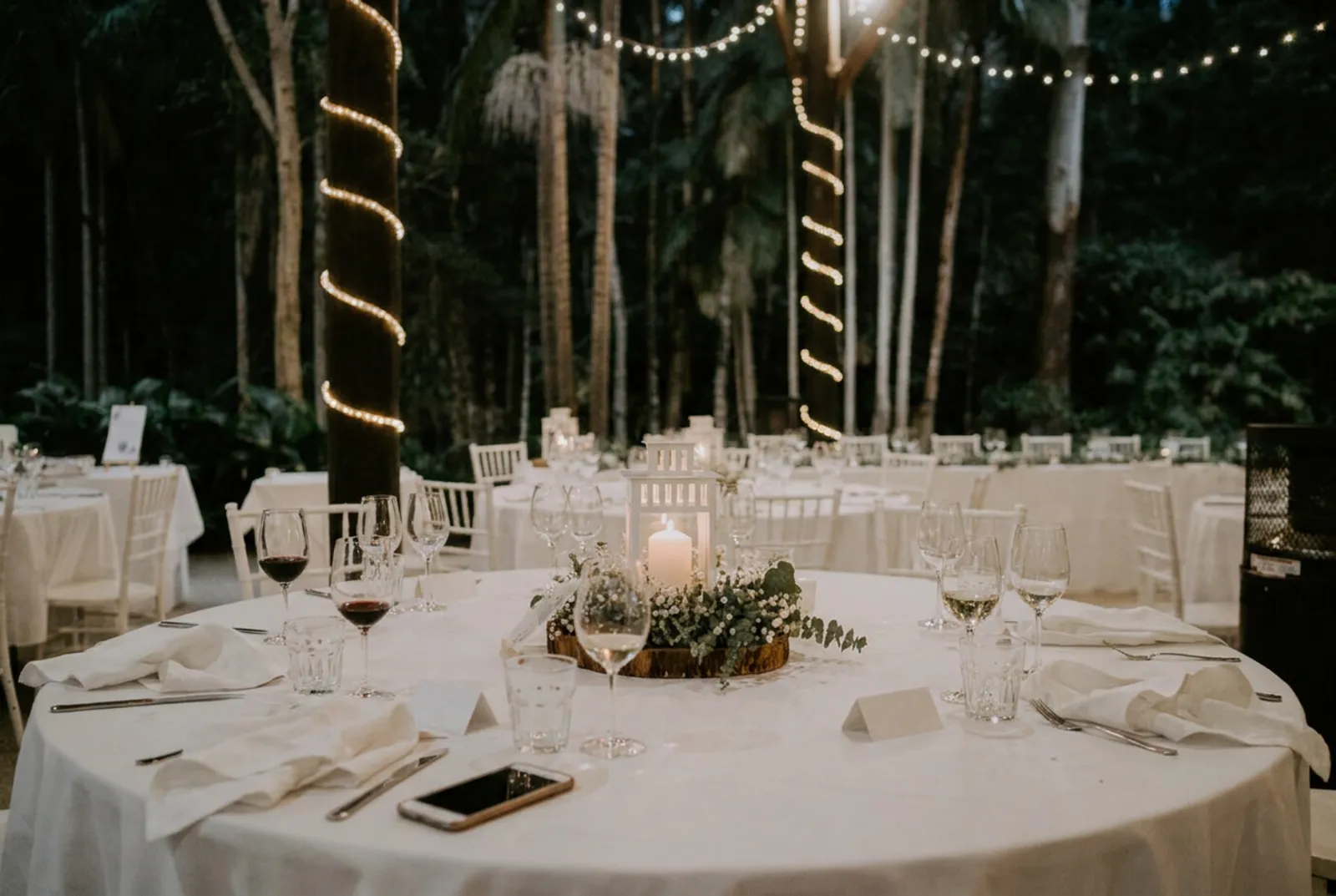
One QR code on the tables. Guests scan it and add photos straight from their camera roll, with nothing to install and no account to make.
Everyone sees the album fill up through the night
Free for your latest 30 photos
4. Say it
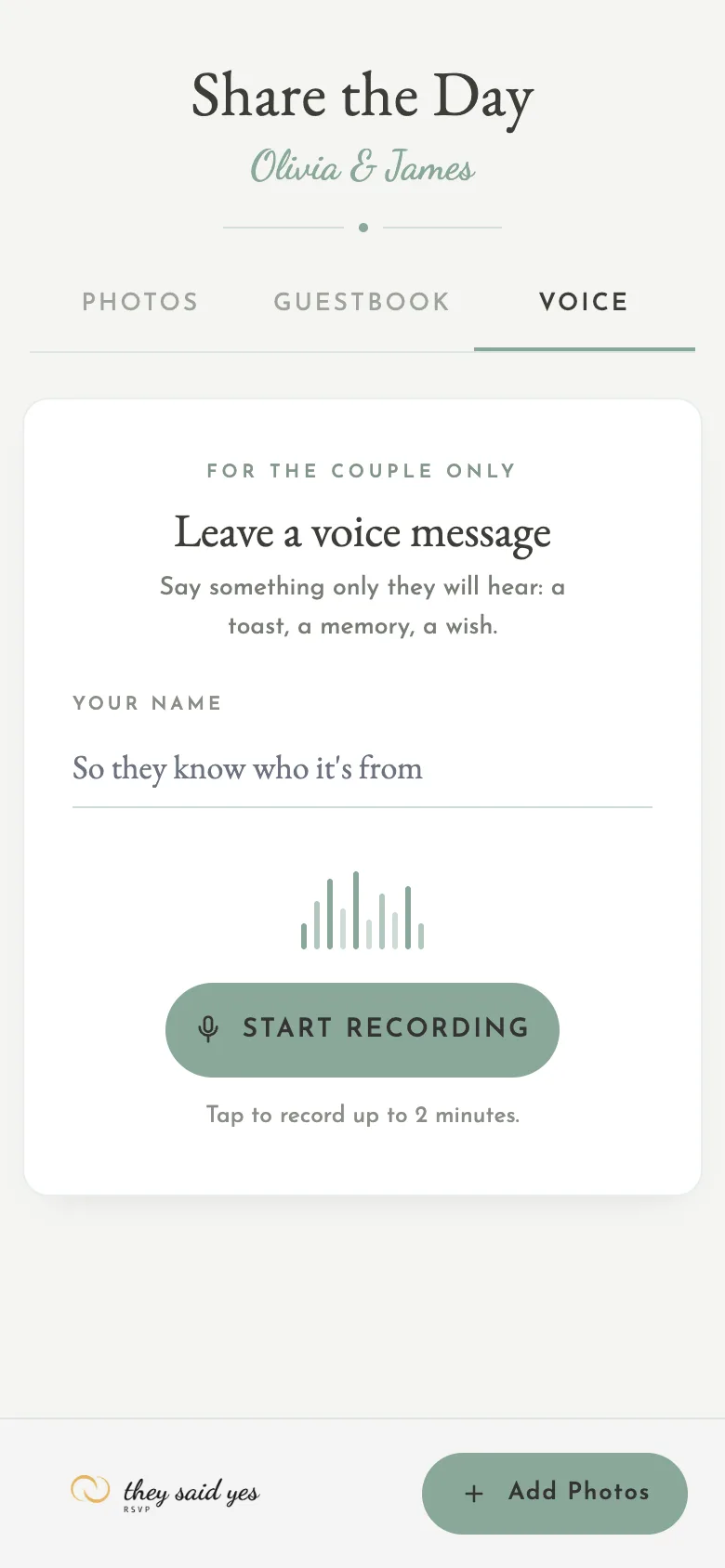
They leave a voice message only you will hear.
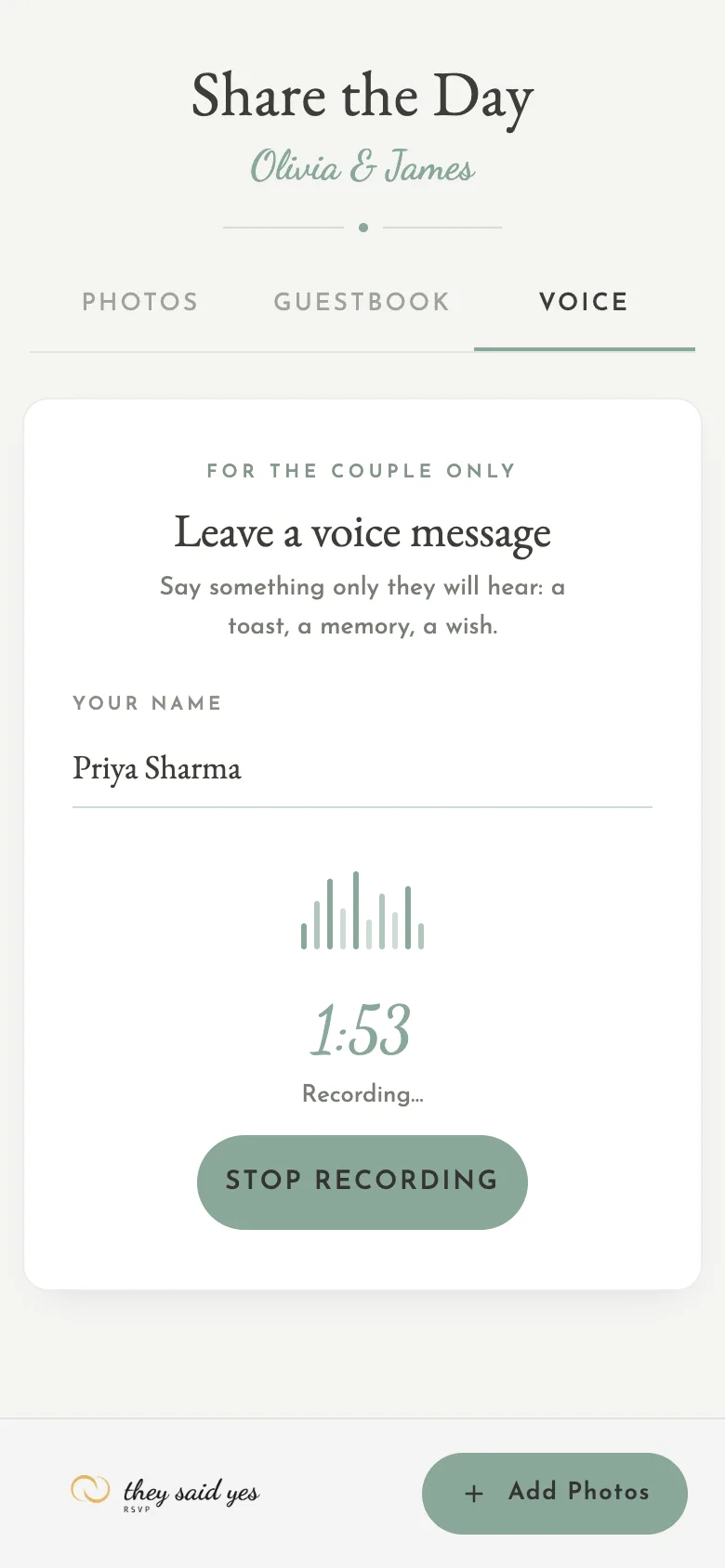
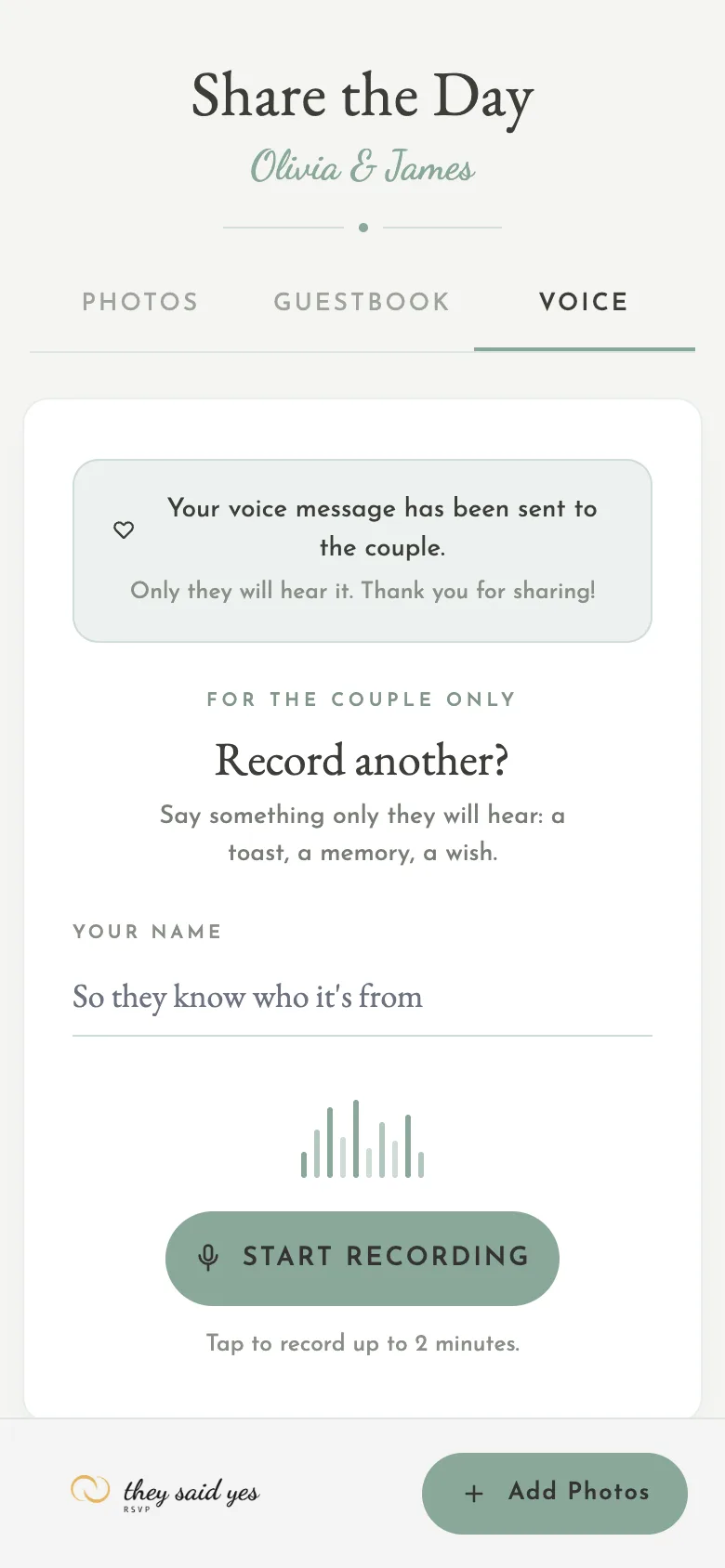
A toast, a memory, a wish for the wedding still to come. Voice messages never appear in the shared album. They wait for the two of you, for the morning after.
Recorded in the browser, on the phone already in their pocket
Photos, guestbook and voice each switch on or off
We're engaged! Party at ours, tap the link to RSVP.
Olivia, in the group chat
Attending
Lauren Pike
Vegetarian, please
Dietary needs
Mr Brightside, obviously.
Your question: a song for the playlist?
“I really love the simplicity of your website. Speedy support, and it works perfectly. Such a great service, will be recommending!”
Estefania
“We’ve looked at many different websites and there were so many that were so confusing to work out how to navigate but your website was simple and easy! Can’t wait to use the photo sharing feature on the day!”
Bec
“It was easy and free. What more could you want.”
Susan
Your side of it
Engagement Party Planning Made Easy
While your guests tap through that, this is what you get. Skip the group chat chaos and keep the whole party in one place.
Engagement party RSVPs
Stop chasing replies. Start celebrating.
An intimate dinner or a big bash, use the signup link, your own guest list, or both. Every reply lands in the same place.
Free for your latest 30 photos and 5 voice messages, with unlimited guestbook messages.
$29 once unlocks the rest.
FAQ
Engagement Party Planning Questions
Yes, RSVPs, guest management, and seating plans are completely free. The shared album is free for your latest 30 photos and 5 voice messages, with unlimited guestbook entries. Unlock unlimited photos and voice messages for $29 one-off per event. No credit card required to get started.
Absolutely! When you create your event, choose "Engagement Party" as the occasion type. Your invitation wording, labels and emails are written for an engagement party instead of a wedding. You can always add a wedding event later if you'd like.
You have several options: add guests manually, import from a spreadsheet, or share a self-signup link. Send digital invitations via email or SMS, and guests can RSVP directly from their phone or computer. No app downloads needed.
All features are available: digital RSVP collection, email and SMS invitations, guest photo sharing with guestbook and voice messages via QR code, seating chart planner, dietary requirements tracking, custom questions, and customisable design themes.
Never. Everything works through their web browser. Guests receive an invitation link, RSVP with a tap, and can share photos, guestbook messages, and voice notes by scanning a QR code at your party. No downloads, no accounts, no fuss.
Yes. Photos, guestbook, and voice messages are independent switches in your settings, so turn on only the ones you want. If you'd rather keep it to photos only, just leave the other two off.
Sign in and open the Photos page. Your album is always there to look through, and once it is unlocked the bulk download gathers every photo, guestbook message and voice note into one archive.
Ready to plan your engagement party?
Set up your invitation in minutes and send one link to everyone. No ads, no registry pressure, and no app for your guests.